
Conversation
Ask. Research. Move forward.
Ask a legal question or attach materials. Legal Workspace finds legal sources, highlights important findings and helps you continue your research.
Different legal needs. One connected workspace.
Start with a question or a document. Conversations and Matters bring your materials and legal sources together. In the built-in Studio, create and edit documents, and dictate text with real-time AI language correction. Work together on the same Matters, collaborate in Conversations, and edit documents simultaneously.
Legal Workspace researches, connects and suggests. The judgement is yours.
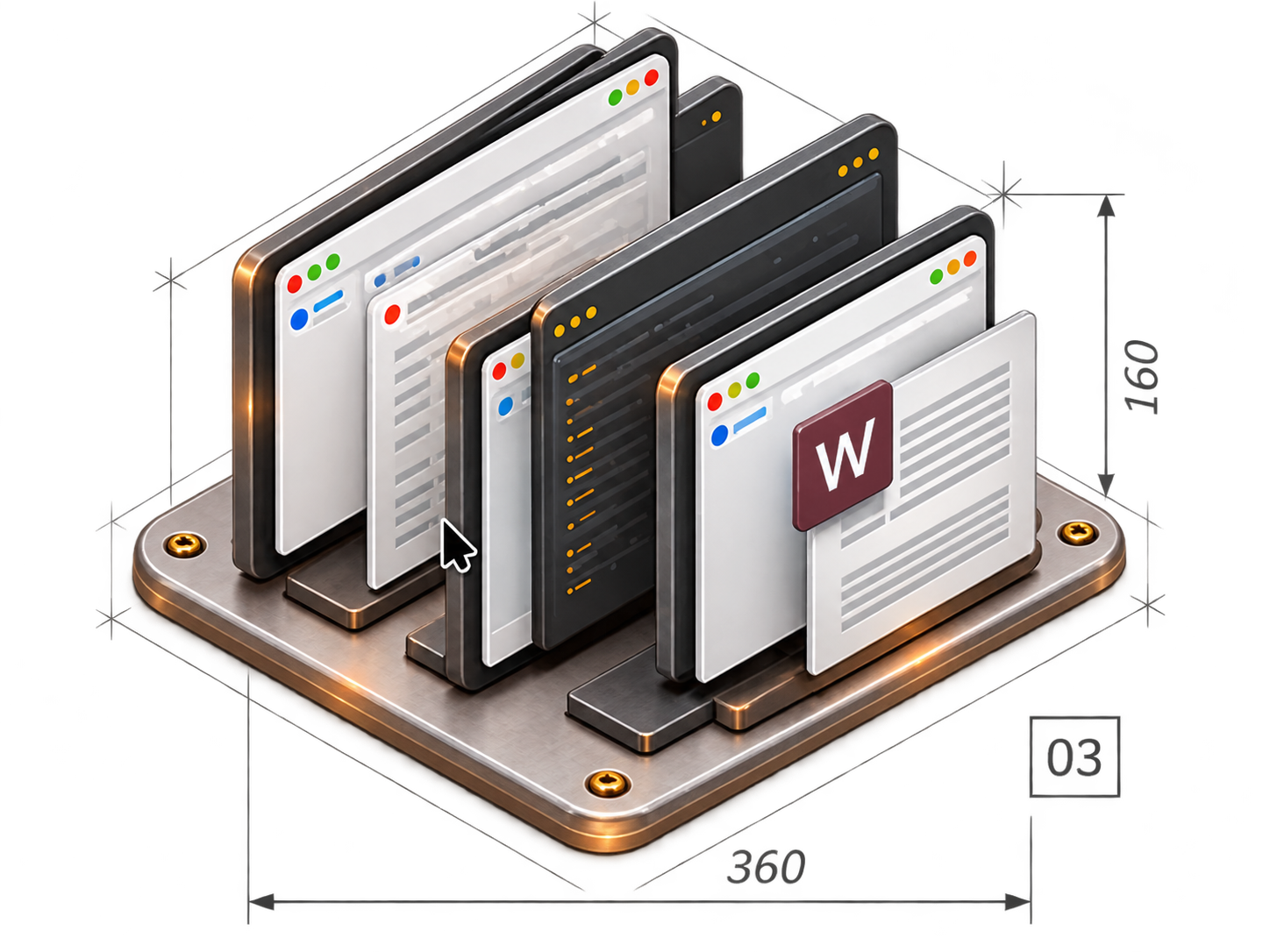
Conversations and Matters
Some questions can be resolved quickly. Others require more material, verification and several stages of work. Legal Workspace supports both.
Conversation
Ask a legal question or attach materials. Legal Workspace finds legal sources, highlights important findings and helps you continue your research.
Matter
Bring documents, conversations and findings together in a Matter. When you return, your previous work and materials are all in one place.
Legal Studio
A powerful document editor. Legal intelligence, right in the document.
The built-in Studio lets you create and edit documents in a familiar office-style environment. It provides AI-powered legal assistance, dictation with real-time language correction, electronic signing using digital certificates, and signature verification.
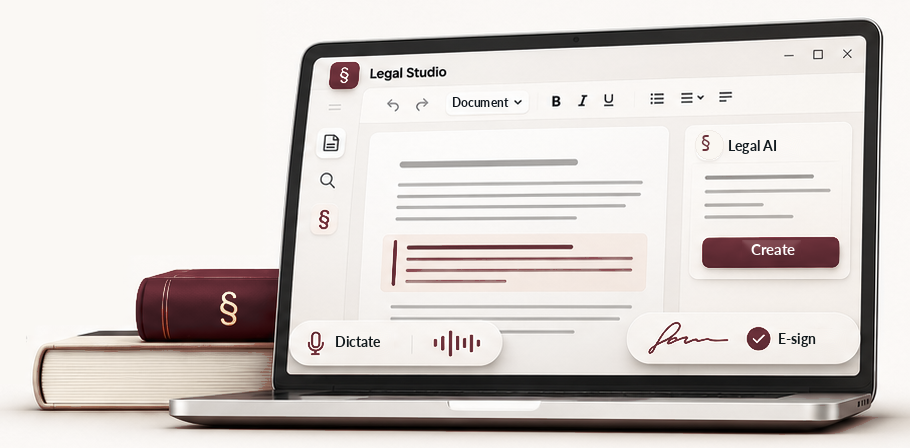
Open, format and export documents in common office formats. Sign a document electronically or verify a signature on a file you receive.
As you speak, text is transcribed and its language corrected in real time. Use AI to reshape it into notes, minutes or other structured texts.
Select text, check relevant legislation and case law, and compare suggested edits. You decide which changes to include in the document.
Team · Collaboration
Every user can create an organisation and invite colleagues. Together they can work in Conversations, Matters and Legal Studio documents, sharing materials and findings. When the team changes, the organisation owner can simply assign the work to another member without losing the existing context.
Colleagues can continue the same Conversation and its linked Matter.
Two or more members edit the same document in Studio at the same time.
Expand your team when your work calls for it.
The contract, timeline and messages are linked to the Matter.
Give selected colleagues access to Conversations, Matters and materials.
Choose the member responsible for a Matter or Conversation.
Transfer responsibility to another member. The materials and work history remain.

Legal assistance from Legal Workspace for Microsoft Word — answers, legal sources and suggested edits that you decide whether to use.
LEGAL WORKSPACE · LEGAL COGNITIVE WORKFLOW
When legal professionals receive materials, they separate facts from claims, find relevant legal sources, assess arguments, identify gaps and develop a strategy.
These cognitive processes of legal professionals underpin OpenLegalCore's legal intelligence. Legal Workspace is the environment in which you use this technology to prepare legal analyses, strategies, opinions, detailed reports, correspondence and legal submissions.
The Slovenian jurisdiction is currently the only one implemented. Support for other EU jurisdictions is planned.
CONVERSATION · LEGAL EXAMPLE
A party to the agreement has terminated the information-system maintenance agreement. Is the termination legally justified, and what options are available to us?
Connecting the facts with legal sources and case law.
To assess an extraordinary termination, merely alleging a breach is not enough. Its significance and the contractual and statutory conditions for termination must be examined.
Status in the illustrated example
Illustrative example, not an actual application screenshot or a verified legal finding.
Try Legal WorkspaceLEGAL PROFESSIONALS' COGNITIVE PROCESSES
Identifying facts, the timeline and missing information.
Finding legislation, case law and relevant sources.
Assessing arguments, risks and gaps.
Available actions, consequences and deadlines.
Analysis, opinion, detailed report, correspondence or submission.
BENEFITS · WHO IT'S FOR
Legal work rarely ends with a single answer. It calls for source verification, additional materials, document drafting and sometimes collaboration. Legal Workspace helps you stay on top of the entire process.
Conversations, materials and findings stay linked to the Matter, even when the work spans several days or a colleague takes over.
You can consult legislation and case law while researching. You can verify the sources and assess the arguments yourself.
Turn your research and analysis into an opinion, letter, draft submission or another document. Edit and finalise it in Legal Studio.
Start on your own. When the work calls for collaboration, involve other members of your organisation and share Matters, documents and findings.
Legal assistance for anyone
For lawyers, notaries, legal advisers and legal teams researching legal questions, working on Matters and preparing opinions, contracts and submissions.
For individuals who want to understand a contract, decision or court notice and prepare their own submission. For students and researchers studying legislation and case law. For associations, institutions and companies seeking assistance with contracts, letters and other legal questions.
You do not need a legal background to use Legal Workspace. You decide on the next steps and how to use documents you prepare.
Legal technology tailored to your needs
Banks, insurers, larger businesses, public bodies and other organisations may need custom integrations, adapted workflows or solutions within their own infrastructure. For some, keeping sensitive documents in their own environment is essential.
Modular OpenLegalCore components can form the basis of a tailored solution — from Legal Studio or legal Matter management to a fully connected system.
The scope, integrations and deployment method depend on the customer's needs and technical feasibility.
TRANSPARENCY · SOURCE CODE · ACCOUNTABILITY
Do not just ask whether a system is secure. Ask how you can verify it.
Contracts and regulations set obligations.On their own, they do not reveal who can access your materials, where your data goes or how the system uses external models.
Security is tested in practice: by examining architecture and code, and through security and functional tests. That is why OpenLegalCore does not rely on its own assurances alone to earn trust.
When an implementation can be examined, trust no longer depends solely on the provider's promise.
Explore the OpenLegalCore architecture and componentsPRICING · THE VALUE OF YOUR TIME
Legal Workspace has no monthly subscription. Available workspace features are free. You pay only for the use of external AI models.
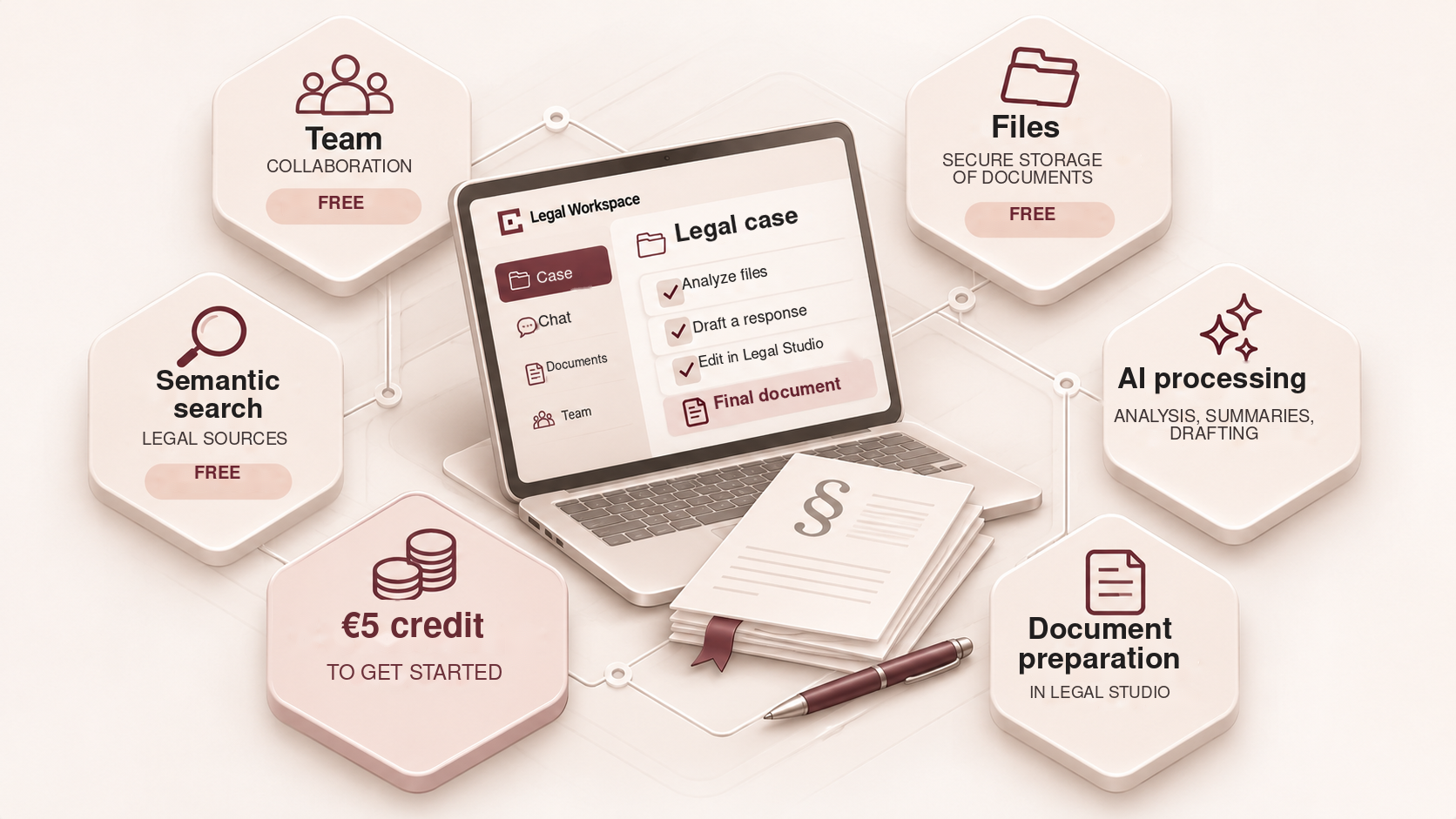
Get started straight away, with no monthly subscription. Available workspace features are free.
When you register, you receive €5 in credit for external AI models.
Your credit balance decreases with actual usage. Top it up as needed.
Invite colleagues and work together on Conversations, Matters and documents.
Keep documents and materials in your workspace without an additional storage charge.
A dedicated search tool will enable meaning-based searches and display relevant legal sources, without generating AI answers or using your credit.
Start with your own figures.
How many people are you calculating the value of time for?
Hours per user spent on tasks that the tool could speed up.
Hourly rate, cost or estimated value of the work.
Assumption: 50% less time spent on selected tasks, not the entire working day. The scenario assumes five working days a week and 46 weeks a year. This is not a measured effect of Legal Workspace.
Scenario-based annual value of time freed up
The value of time freed up, not guaranteed cash savings or revenue.
Formula: users × hours per day spent on selected tasks × five working days × an assumed 50% reduction in time spent. The annual calculation assumes 46 working weeks and an eight-hour working day; monthly values are annual figures divided by 12.
Limits of comparability: the cited studies provide context, not proof of a 50% time saving or a direct measurement of Legal Workspace's impact. Actual results depend on the task, materials and usage.
LEGAL INSIGHTS
Legally and technically grounded articles for legal professionals and anyone seeking to understand law in the digital world. We examine how new technologies, regulations and artificial intelligence affect legal practice, rights and responsibilities.
FEATURED ARTICLE
Where is the line between technological assistance and legal advice? Who is responsible for using AI-generated results?
RESERVED FOR A FUTURE ARTICLE
Description to be added on publication.
RESERVED FOR A FUTURE ARTICLE
Description to be added on publication.

RESERVED FOR A FUTURE ARTICLE
Description to be added on publication.
FREQUENTLY ASKED QUESTIONS
Brief answers about using Legal Workspace, costs and ways of working.
No. It is intended for legal professionals and individuals who want to understand their legal question better. Check legal findings before taking action based on them.
A Conversation is suitable for a single question. A Matter connects Conversations, documents and findings when work continues over time.
Yes. You can add materials to a Conversation or link them to a Matter. You can create and edit documents in Legal Studio.
Legal Workspace has no monthly subscription. Available workspace features are free. You pay only for external AI model usage. When you register, you receive €5 in credit.
Yes. You can invite colleagues to your organisation and work together on Conversations, Matters and documents.
No. Legal Workspace assists with research and preparing materials, but you must verify the sources, arguments and results used. The final judgement remains yours.